Minecraft
How To Play








Minecraft: The Ultimate Sandbox Adventure – Play, Build & Survive
Enter the limitless world of Minecraft, the legendary sandbox game where creativity, survival, and exploration come together. In this Minecraft guide for beginners, you’ll learn how to build anything, explore anywhere, and survive everything the game throws at you. From peaceful farms to massive castles to dangerous cave systems, every block in Minecraft becomes another adventure waiting to happen.
How to Play Minecraft
- WASD: Move
- Left Click: Mine / Attack
- Right Click: Place blocks / Use items
- Spacebar: Jump (hold to swim upward)
- Shift: Sneak (stay safe on edges!)
- E: Open inventory
- 1–9: Switch hotbar items
Mastering these basic Minecraft controls will help you move, craft, and survive smoothly from the very beginning.
Essential Minecraft Tips for Beginners
Gather Resources ASAP
Your first day in Minecraft is crucial. Punch trees, craft tools, and build a temporary shelter before nightfall when hostile mobs appear.
Craft Better Tools
Upgrade from wood → stone → iron → diamond → netherite.
Better tools = faster progress and safer exploration.
Learn Basic Combat
Timing your hits, blocking with shields, and positioning make a huge difference—especially in early Minecraft survival mode.
Light Up Everything
Placing torches prevents hostile mobs from spawning.
Pro tip: Always carry at least 32 torches in your inventory.
Ready to Craft Your Adventure?
Press PLAY and shape your world block by block. Build, explore, survive, and create your own story — because in Minecraft, the only limit is your imagination.
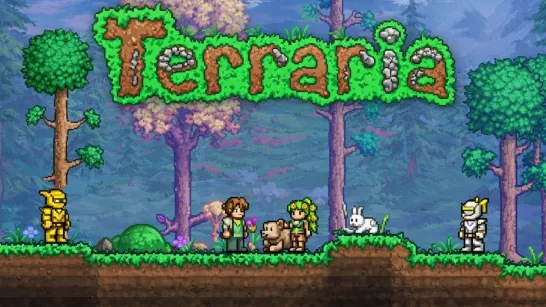
Love open-world adventures? Try Terraria, Paper Minecraft, or other creative sandbox games!